
.svg)
SIGN UP FOR JUICEBOX (IT’S FREE!)

Who are you looking for?
Thank you! Your submission has been received!
Oops! Something went wrong while submitting the form.

We just returned from an amazing RecFest UK, and while we were meeting the recruiter community in London, our engineering team was busy shipping some game-changing updates.
Here's what's new this week to try in Juicebox:

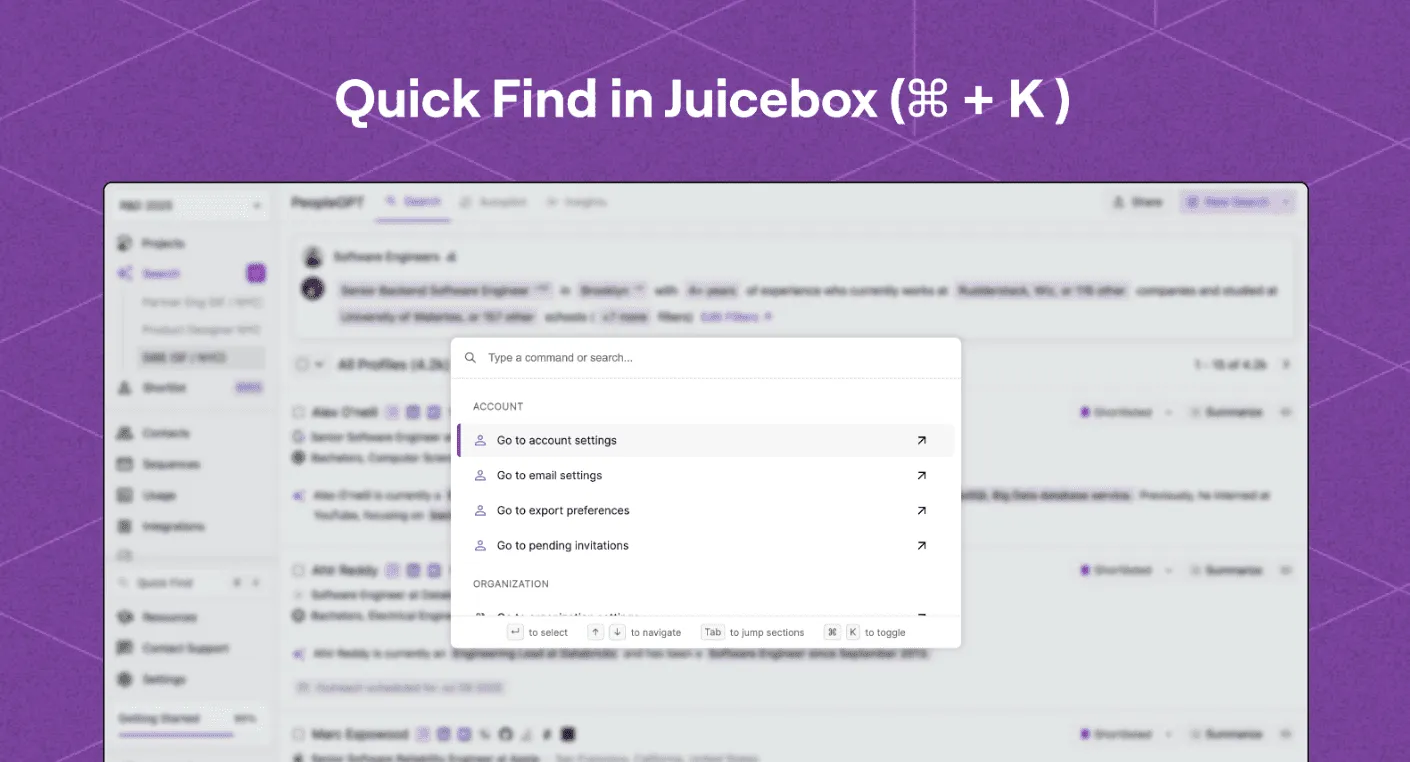
Say goodbye to clicking through multiple menus.
Quick Find lets you jump to any part of Juicebox in seconds using a simple keyboard shortcut: CMD/CTRL + K
Starting today, you can now instantly search and navigate to:
You'll also see "Quick Find" in the left sidebar for easy access, if you prefer clicking.

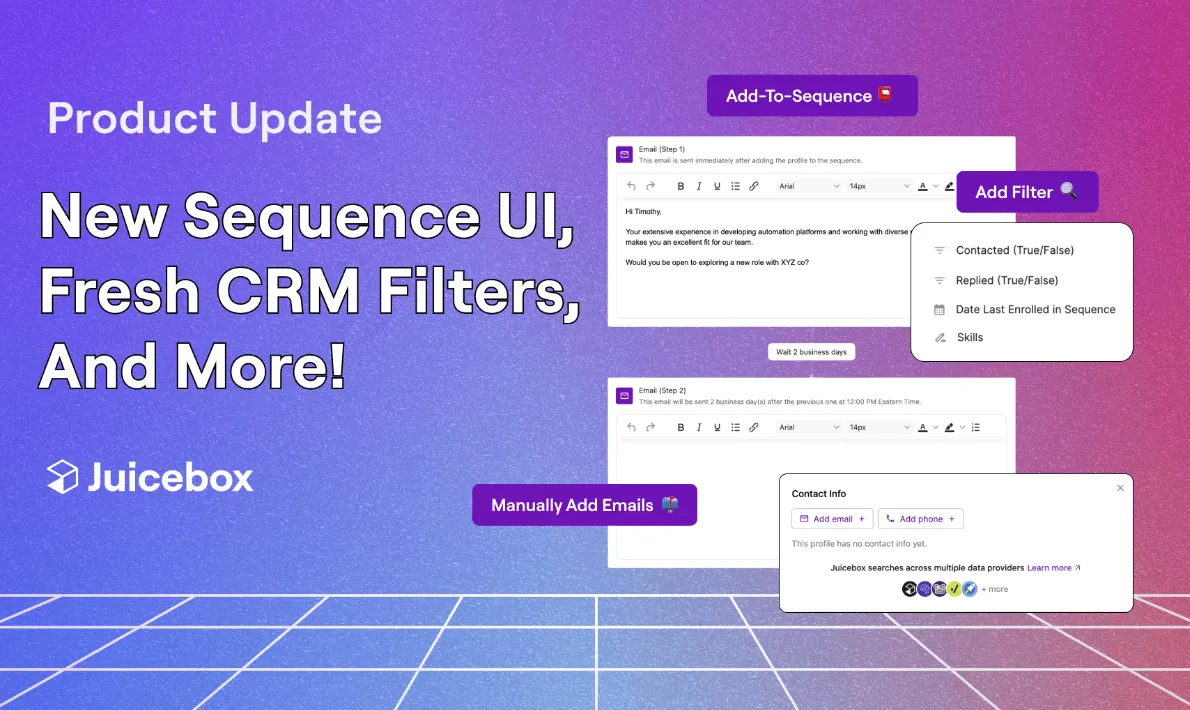
Fine-tune your outreach strategy with powerful new filters to manage your sequences.
Select from new filter options, such as:
Perfect for refining follow-ups, re-running successful outreach campaigns, and understanding what messaging resonates with talent profiles.
Try all these new features on Juicebox – live now.
We’d also be glad to discuss further on a call. Please feel free to reach out to sales@juicebox.work or book a demo here: https://juicebox.ai/demo
{{large_cta}}
Run your first search for free. Find and engage top talent across 800M+ profiles. Trusted by 5,000+ customers.


.png)
.png)