.svg)
SIGN UP FOR JUICEBOX (IT’S FREE!)

Who are you looking for?
Thank you! Your submission has been received!
Oops! Something went wrong while submitting the form.

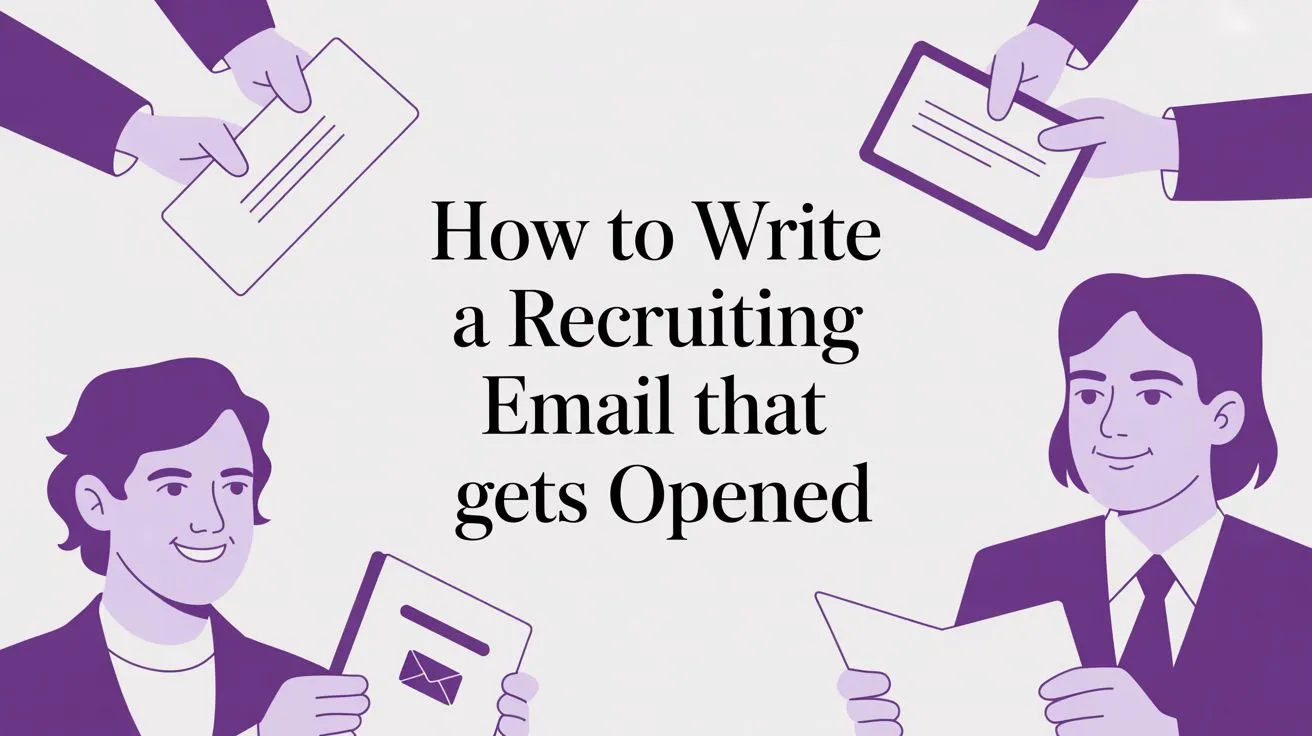
Navigating the world of candidate outreach is like trying to solve a complex maze. Most recruiters get lost, sending generic messages down dead-end paths, hoping one will magically find the exit. This is why so many emails go unanswered. The key to writing a recruiting email that gets a reply is to stop wandering and start using a compass that points directly to the candidate's unique value. This guide provides that compass. Unlike generic recruiting posts, this guide shows real PeopleGPT workflows—not theoretical advice. With tools like PeopleGPT, you can find the right path instantly, transforming your outreach from a game of chance into a predictable science.
It’s frustrating when your carefully crafted emails get ignored. The constant silence makes you wonder if you’re shouting into a void, wasting hours on outreach that never converts. You can increase your reply rates by over 50% by shifting from generic templates to hyper-personalized messages. The secret isn't just what you write, but how you find the unique insights that make a candidate feel seen.
Imagine a candidate's inbox. It's a maze with countless identical-looking paths, each one a generic email from a recruiter. They all start the same, look the same, and lead nowhere. This is why the average response rate for cold recruiting emails hovers at a dismal 21% (Recruiterflow, 2024). When every message feels like a dead end, candidates stop exploring. They simply delete the noise and move on. The real problem isn't that candidates are unresponsive; it's that most outreach offers no clear path forward.
But there's a problem most tools ignore. They help you send more emails faster, but they don't help you navigate the maze any better. You're just running down more dead-end corridors at a higher speed. This volume-centric approach signals to top talent that you haven't invested any real effort in understanding their journey. It treats them as a destination, not a person. To find your way out, you need to change your navigation strategy entirely.
Instead of another generic path in the maze, a great recruiting email is a personalized compass. It orients itself around the candidate's unique career, pointing out a specific accomplishment, a unique skill, or a compelling project that only they have. This immediately proves you see them as an individual, not just another turn in the maze. Building that trust starts with the very first sentence.
Here's the deal: The best recruiting emails follow a simple, three-part structure. Think of it as your compass for guiding the conversation.
This framework turns a cold email into a compelling story with the candidate as the main character. It's how you start building the kind of deep candidate profiles that lead to better hires, a core focus of modern AI recruiting tools.

You might think finding the right path for every candidate sounds incredibly time-consuming. Manually navigating every portfolio, blog, and social profile is a massive time sink. This is the myth that keeps recruiters trapped in the maze of generic outreach. Most believe that deep personalization and high-volume sourcing are mutually exclusive.
The opposite is true. The most effective recruiters use technology as their compass.
Modern AI platforms turn this bottleneck into a scalable advantage. They navigate the entire digital landscape for you, surfacing those unique personalization points in seconds. This allows you to combine the speed of technology with the nuance of genuine human connection. Instead of sending hundreds of generic messages, you can send dozens of hyper-personalized ones in the same amount of time. You don't have to choose between quality and quantity anymore. This is a fundamental change in how to streamline the recruitment process.

Let's see this compass in action.
Prompt: Find Senior Backend Engineers in San Francisco with Go experience who have contributed to open-source projects or written technical articles.
Output: In seconds, PeopleGPT's AI Agent:
Impact:
Your subject line is the first signpost in the maze. It either points a candidate toward your message or directs them straight to the "archive" button. Forget the tired advice to "keep it short." The real goal is to interrupt their mindless inbox scan with a compass point so specific it feels like it could only be for them.
What does that look like? Instead of a generic "Great Opportunity at [Company]," which screams mass email, you reference a detail you found during your research.
Here's a quick comparison.
| Subject Line Type | Example | Core Principle | Potential Open Rate Lift |
|---|---|---|---|
| Generic Path | "Exciting Opportunity at [Company]" | Vague, impersonal, and easily ignored. | Baseline (low) |
| Personalized Compass | "Your post on serverless architecture" | Shows research and values their expertise. | 30-50% |
| Generic Path | "New Role: Senior Software Engineer" | Focuses on your needs, not theirs. | Baseline (low) |
| Personalized Compass | "Question about your work with Python at [Old Company]" | Sparks curiosity and makes them the hero. | 40-60% |
This hyper-personalization is critical. The average professional receives over 120 emails per day (Statista, 2024). Your subject line needs to be the one clear path in a forest of noise. When you use their work as a compass point, you prove your message is worth their time. These principles apply to all forms of outreach, including the candidate follow-up email.
Your first email charts the course, but the follow-up is how you guide the candidate through the maze. Many recruiters get this wrong. They send generic "just checking in" notes that feel like you're just rattling the same locked door. This approach makes a candidate feel chased, turning an opportunity into an annoyance.

Instead of a reminder, your follow-up must be a new compass point. It should illuminate another part of the opportunity or their career path. Think of it less like a chase and more like providing a map.
But there's more. Each follow-up must provide new value.
Each of these gives you a legitimate reason to get back in touch. You are no longer just asking for their time; you are offering a resource and reinforcing why your opportunity is the right path. Strategic follow-ups are crucial. Sending a follow-up after three days can increase reply rates by as much as 31% (Yesware, 2024).
By providing a clear, value-driven path with each message, you become a trusted guide. This transforms your role, elevating you from just another recruiter to a strategic talent advisor. The implication is profound: you stop filling jobs and start building a network of high-caliber talent that views you as their compass for future career moves.
Aim for 50 to 125 words. This is long enough to provide a personalized hook and value proposition but short enough to be easily scanned on a mobile device, showing you respect the candidate's time.
Two to three well-spaced follow-ups is the sweet spot. Data consistently shows that the first follow-up provides the biggest lift in replies, while sending more than three without a response yields diminishing returns.
Yes, whenever possible. Including the salary range upfront is a powerful move that signals transparency and immediately qualifies candidates, saving time for everyone involved. It builds trust from the very first interaction.
Stop wandering through the maze of cold outreach. Use a compass that points directly to the right talent, with the right message, every time.
Sign up for PeopleGPT—it's free
{{large_cta}}
Run your first search for free. Find and engage top talent across 800M+ profiles. Trusted by 5,000+ customers.